
A meeting summary can sound decisive even when the discussion was exploratory. If an AI-generated note turns a suggestion into an agreement, the error may become someone’s next task. Review the status of each statement before treating a polished recap as the team’s record.
This guide offers an editorial review method, not a claim that a particular meeting tool has been tested. Microsoft’s guidance on recapping a Teams meeting warns that AI-generated results should be verified. The workflow below is a separate ShamsMag suggestion and can be adapted to authorized notes from other tools.
Define the categories before reviewing
Use separate places for confirmed decisions, proposals, assigned actions and unresolved questions. A proposal can be useful without becoming a decision. An action can require follow-up without establishing agreement on the underlying proposal. Keeping those distinctions visible helps a reviewer ask the right question instead of merely shortening the summary.
Use only material you are authorized to process and share. Follow your organization’s requirements for meeting tools, recording, retention and access. This article does not establish permission to record a meeting or upload its contents to an external service.
A fictional conversation
Consider three invented statements: Alex says, ‘We could publish the guide on Friday.’ Sam replies, ‘I can check the draft, but I have not confirmed availability.’ Lee concludes, ‘Keep the release date open until Sam checks.’ These lines are hand-written teaching material, not a recording or real model output.
A note saying ‘Decision: publish Friday; owner: Sam’ would go beyond those statements. Friday was proposed, not confirmed, and Sam did not accept responsibility for publication. A narrower record would keep the date unresolved and identify the draft check as something whose availability still needs confirmation.
Check the words that imply commitment
Look closely at language such as agreed, approved, will deliver and responsible for. For each phrase, find the relevant authorized source passage or ask participants to confirm. Do not infer a decision just because several people discussed the same option or because no objection appears in a partial transcript.
If a summary refers to an earlier conversation that is not in the available material, mark that limitation. A missing passage cannot safely be replaced with a plausible reconstruction. Keep the original wording available to the reviewer where appropriate rather than replacing every source line with another AI paraphrase.
Validate owners and deadlines separately
For each proposed action, record the task, accepted owner, deadline if agreed and any dependency. A person who raised a problem is not automatically the person assigned to solve it. An estimated date is not necessarily a deadline. If any field is unclear, label it for confirmation instead of filling it with a guess.
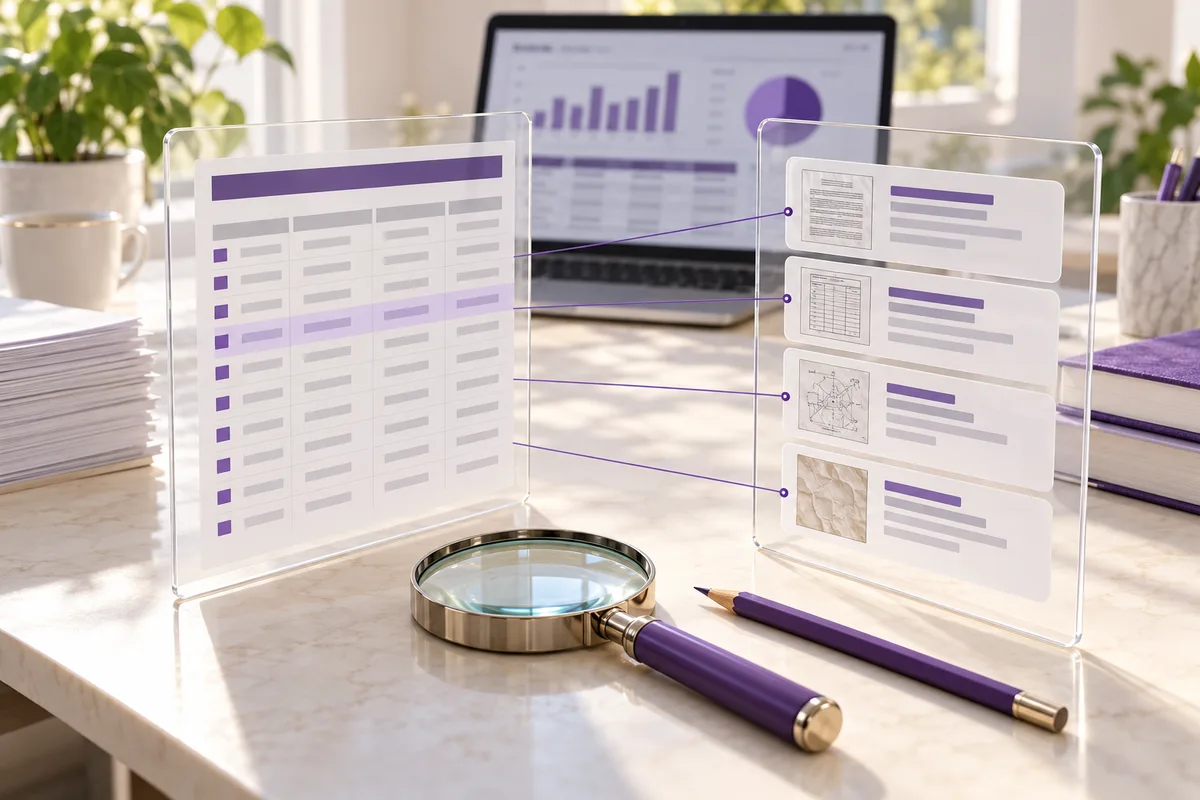
A useful review table has columns for the proposed note, its category, the supporting source location and the correction or question. Keep corrections visible so a colleague can understand why a confident sentence became an unresolved item.
Approve the record before distributing it
Assign someone to review the recap for the intended audience. Confirm disputed decisions and task assignments with the appropriate participants, and distinguish the reviewed version from the original automated draft. Share only the information needed by that audience through an approved channel.
When the record changes later, preserve enough version history to show the correction. Do not overwrite uncertainty with a stronger statement merely to make the recap shorter. A useful meeting note makes the next step clearer while preserving the limits of what was actually agreed.
Give an AI-assisted task a review owner
Source and scope
Microsoft Support provides the verification warning cited above. The categories, review table and fictional conversation are original editorial examples. No tool comparison, accuracy rate or completed meeting test is claimed.
Cover: AI-generated editorial illustration.